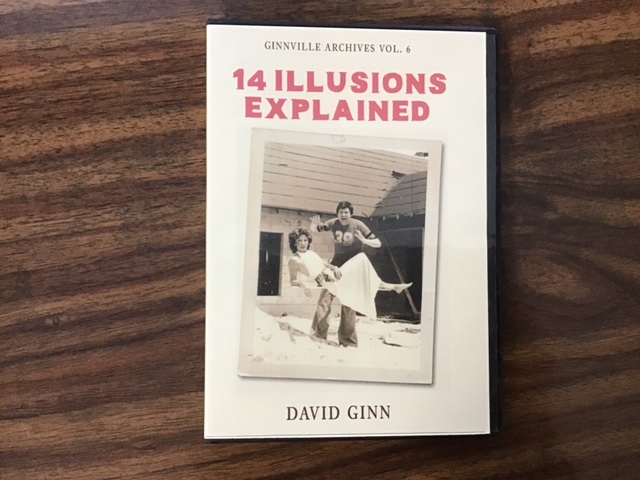
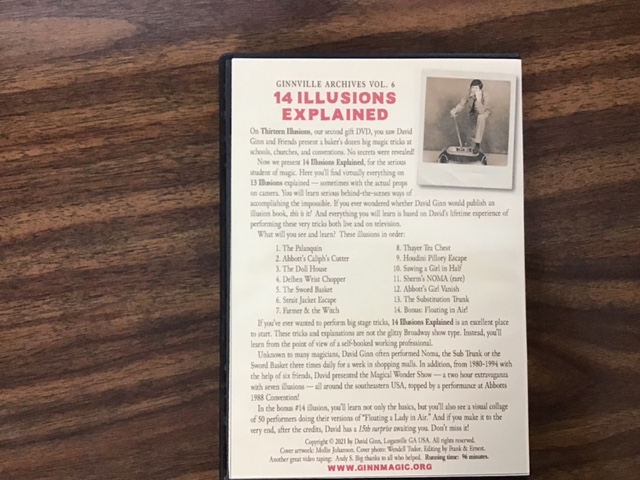
14 Illusions Explained. Part 6 in the David Ginn Archives.
On Thirteen Illusions, you saw David Ginn and Friends present a baker’s dozen big magic tricks at schools, churches, and conventions. No secrets were revealed!
Now we present 14 Illusions Explained, for the serious student of magic. Here you’ll find virtually everything on 13 Illusions explained — sometimes with the actual props on camera. You will learn serious behind-the-scenes ways of accomplishing the impossible. If you ever wondered whether David Ginn would publish an illusion book, this is it! And everything you will learn is based on David’s lifetime experience of performing these very tricks both live and on television.
What will you see and learn? These illusions in order:
1. The Palanquin
2. Abbott’s Caliph’s Cutter
3. The Doll House
4. Delben Wrist Chopper
5. The Sword Basket
6. Strait Jacket Escape
7. Farmer & the Witch
8. Thayer Tea Chest
9. Houdini Pillory Escape
10. Sawing a Girl in Half
11. Sherm’s NOMA (rare)
12. Abbott’s Girl Vanish
13. The Substitution Trunk
14. Bonus: Floating in Air!
If you’ve ever wanted to perform big stage tricks, 14 Illusions Explained is an excellent place to start. These tricks and explanations are not the glitzy Broadway show type. Instead, you’ll learn from the point of view of a self-booked working professional.
Unknown to many magicians, David Ginn often performed Noma, the Sub Trunk or the Sword Basket three times daily for a week in shopping malls. In addition, from 1980-1994 with the help of six friends, David presented the Magical Wonder Show — a two hour extravaganza with seven illusions — all around the southeastern USA, topped by a performance at Abbotts 1988 Convention!
In the bonus #14 illusion, you’ll learn not only the basics, but you’ll also see a visual collage of 50 performers doing their versions of “Floating a Lady in Air.” And if you make it to the very end, after the credits, David has a 15th surprise awaiting you. Don’t miss it!
IMPORTANT NOTE: We have tested this video download, and it should work properly on Apple products and computers running Windows 10. If you are using Windows 11, you may find the video plays but there is no audio. In this case, you would download the HEVC Video Extensions from Microsoft, or get the free download of VLC Media Player, which works great for all types of media.